a line is a dot taking a walk
Intro
This workshop is the second of the Plotterstation series of 2026.
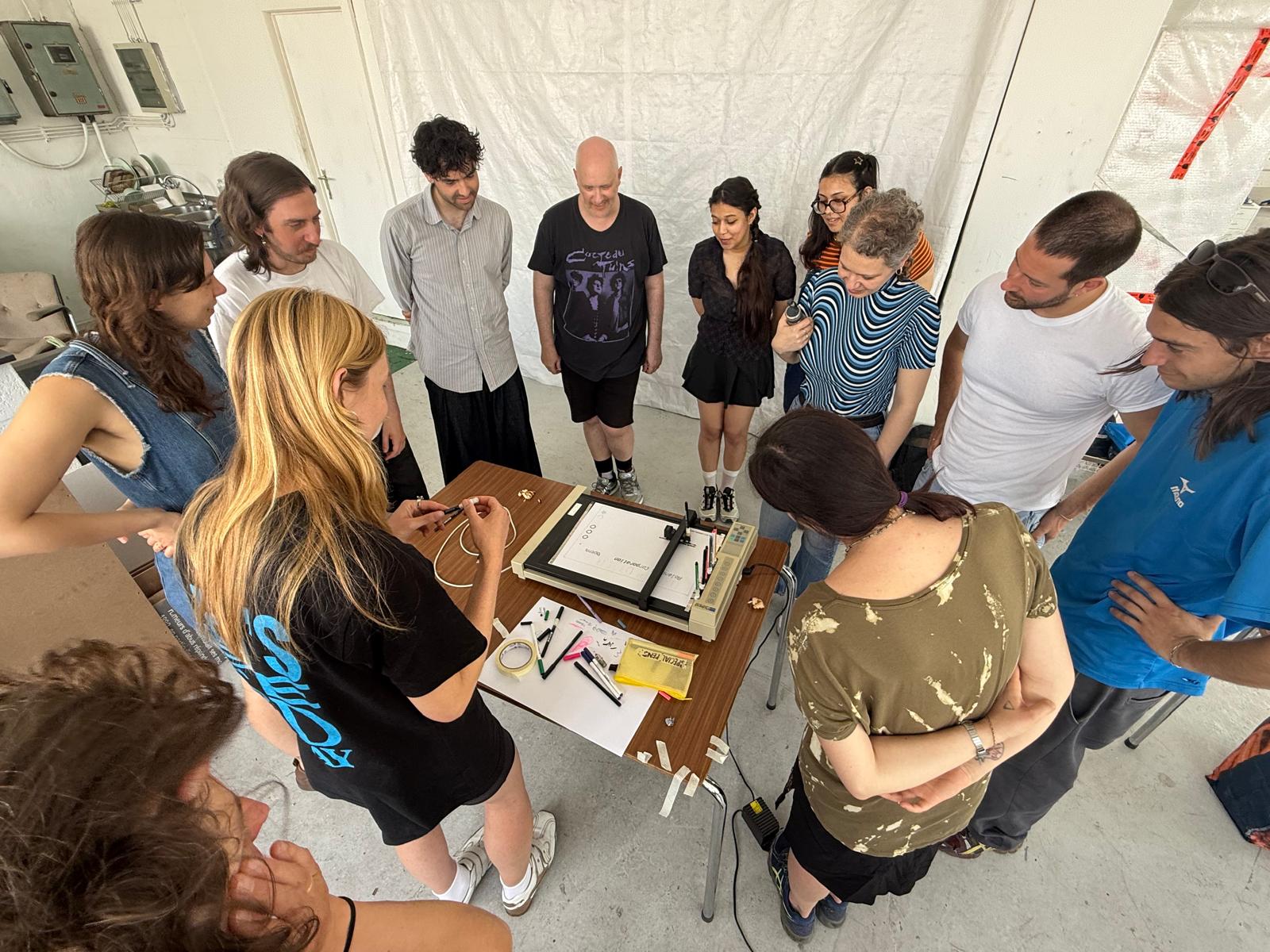
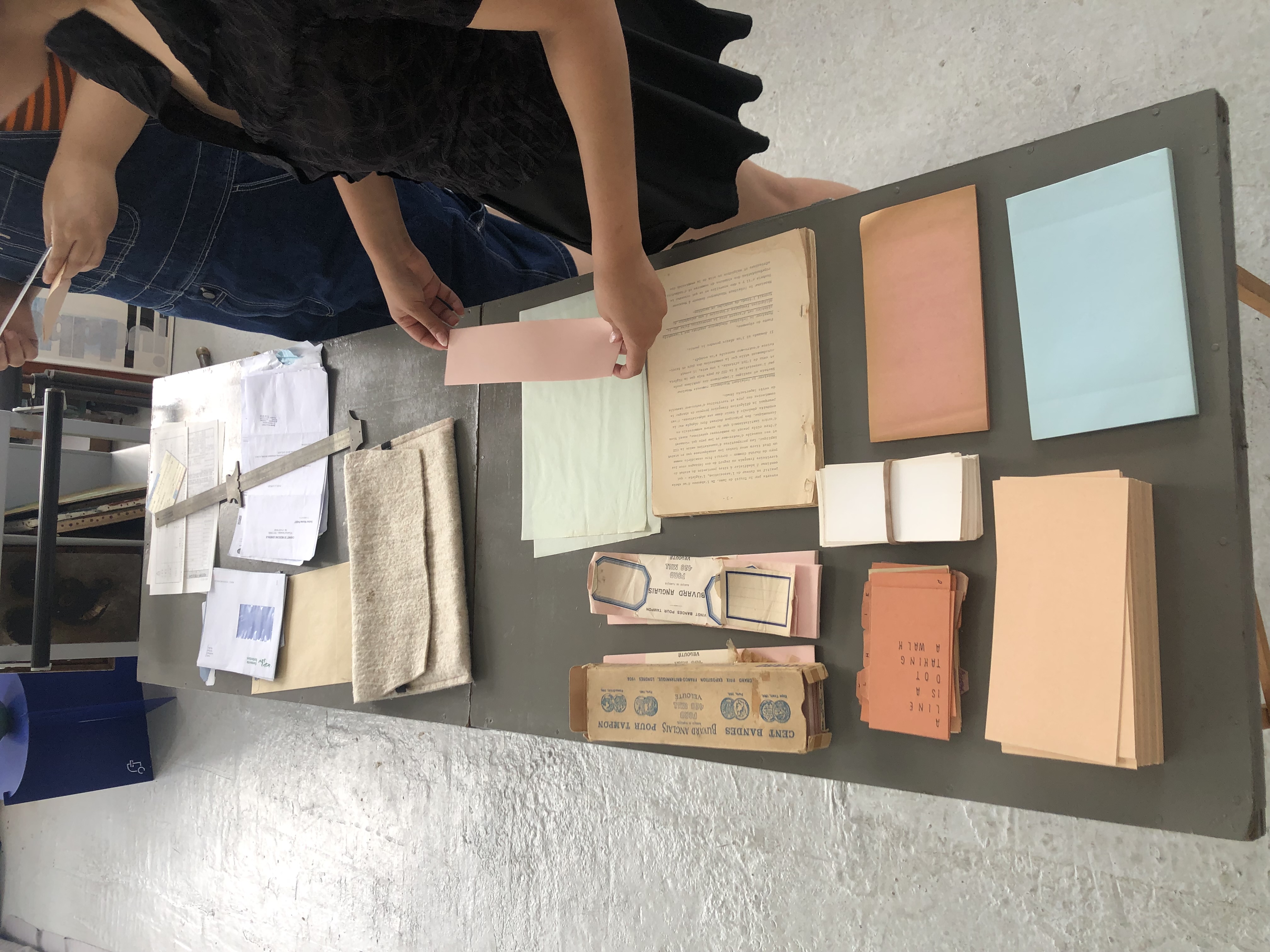
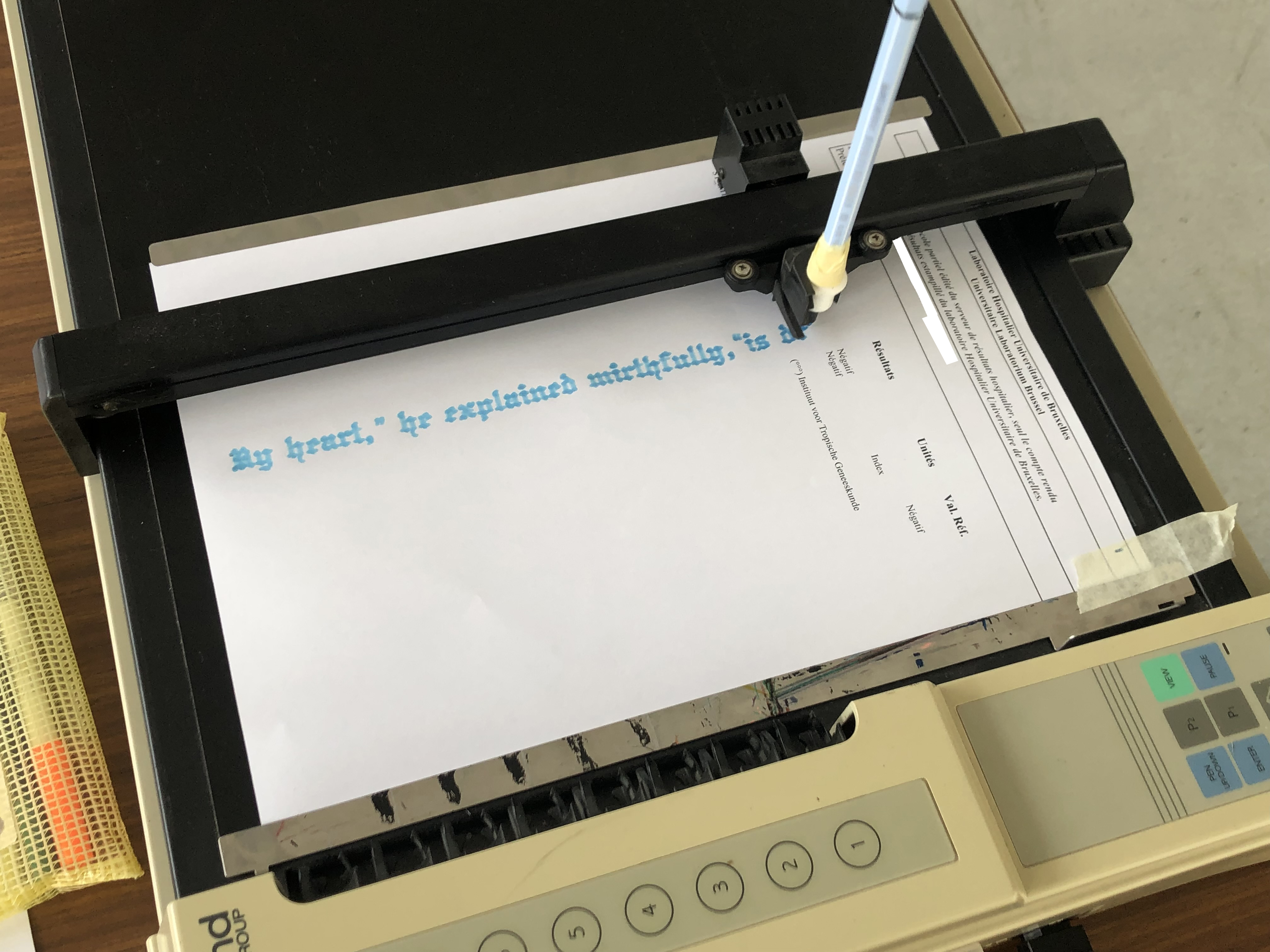
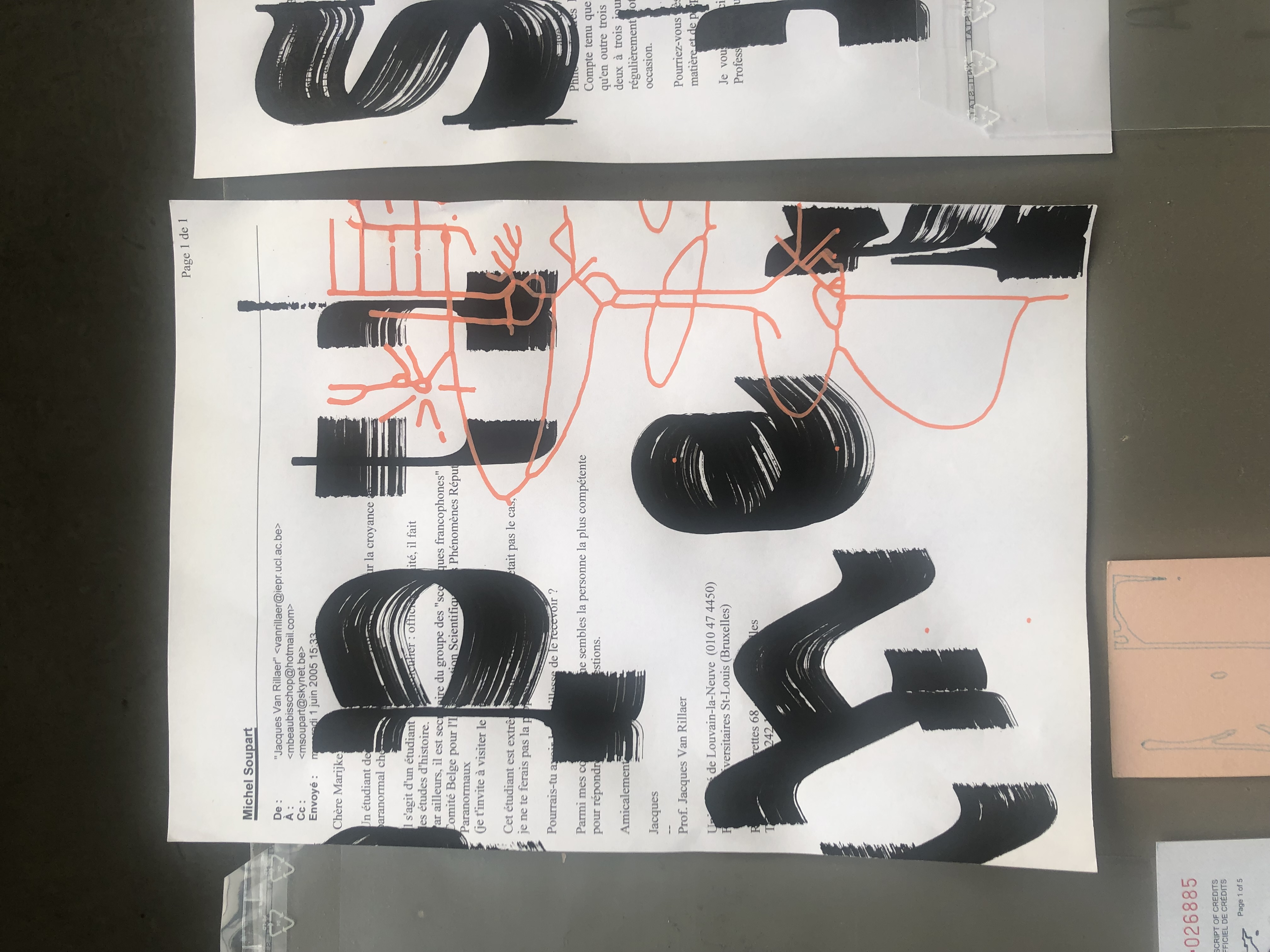
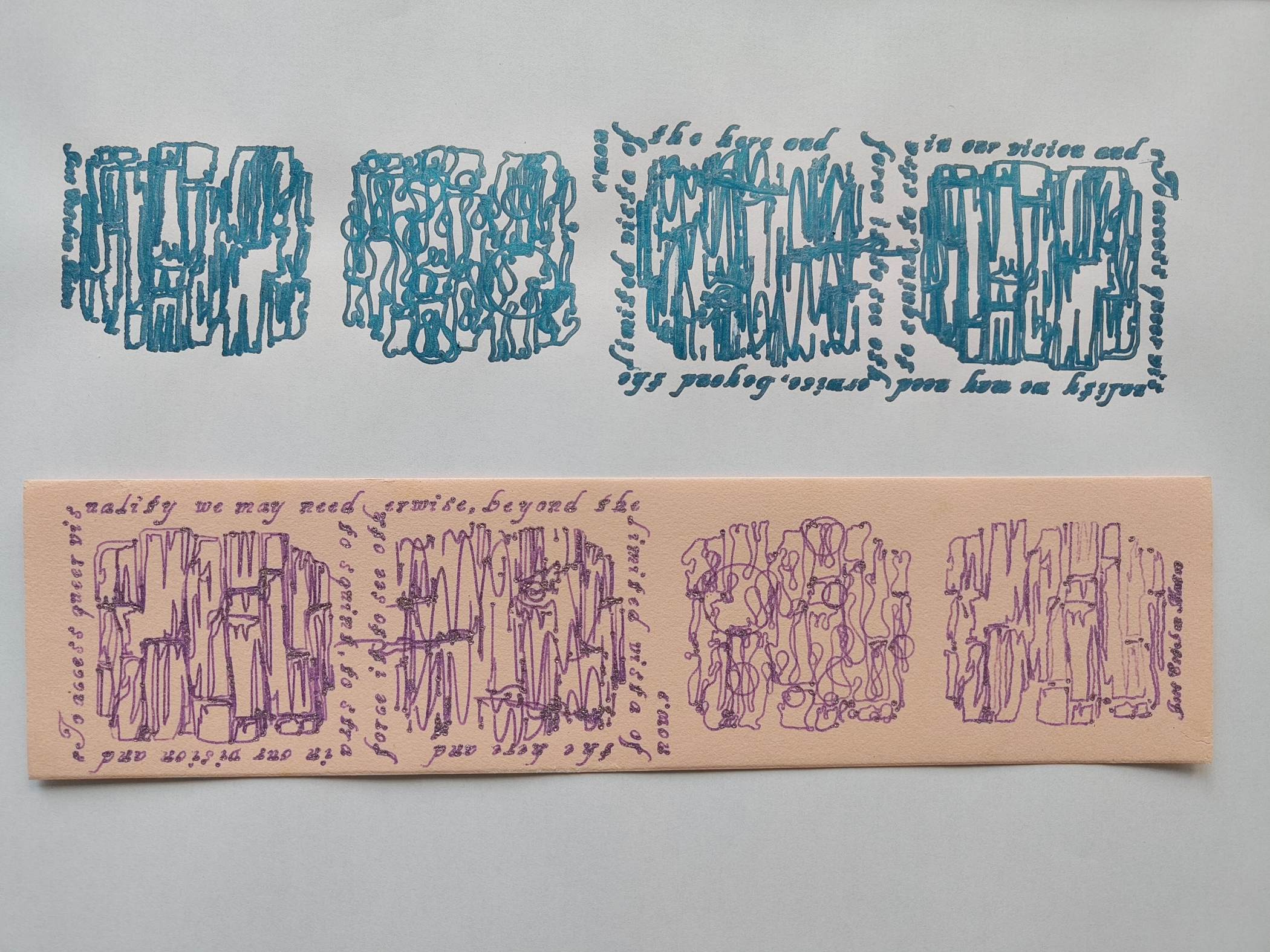
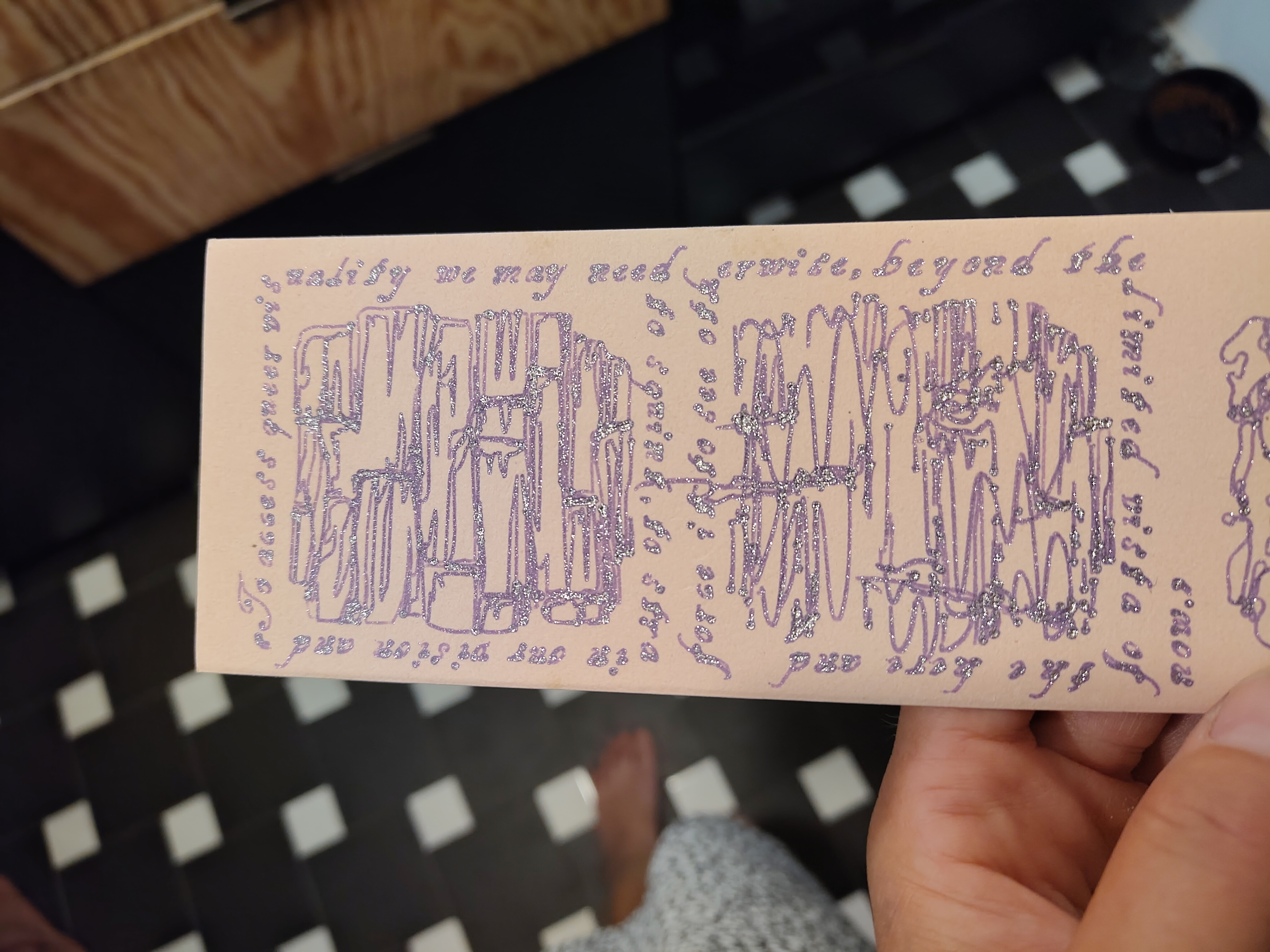
For this episode we remixed vectors from two digital collections, drawing on administrative papers with different plotters and a variety of pens. We played with the line, drawing shapes and typographic contours. Participants brought various administrative papers (envelopes, email correspondence, notarised police checks, shop ledgers, hospital reports, diplomas) and a playful curiosity towards what their content revealed. We explored the vector collections gathered by guest Louis Garrido from Brussel's Jeu de Balle fleamarket, and the vast collection of openclipart.org, remixing the lines we found in the vector SVG file format.
The vector drawings became silhouettes, ghostly traces of the shapes they originated from. Hershey text messages echoed the emotional resonance of bureaucratic documents.
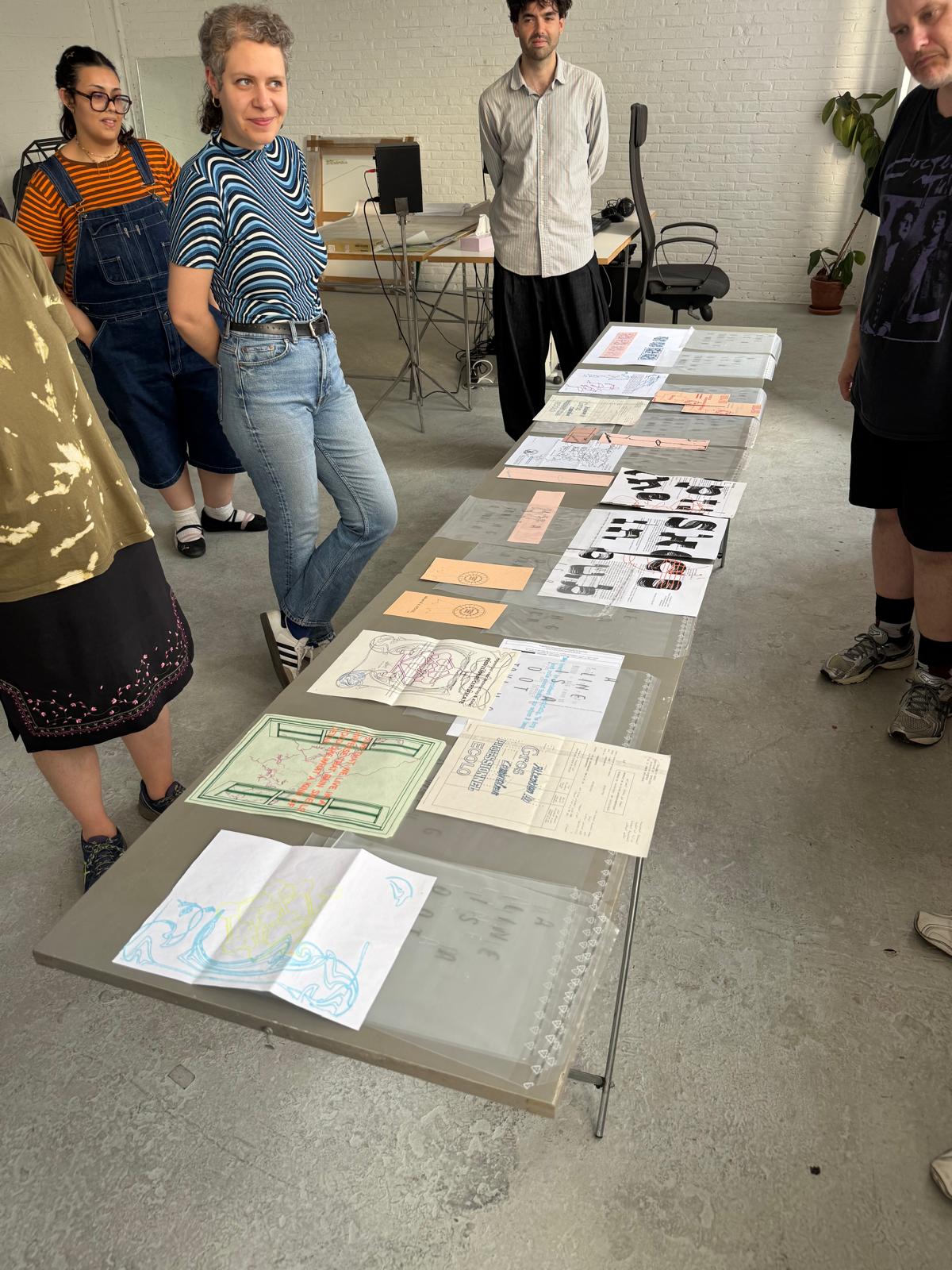
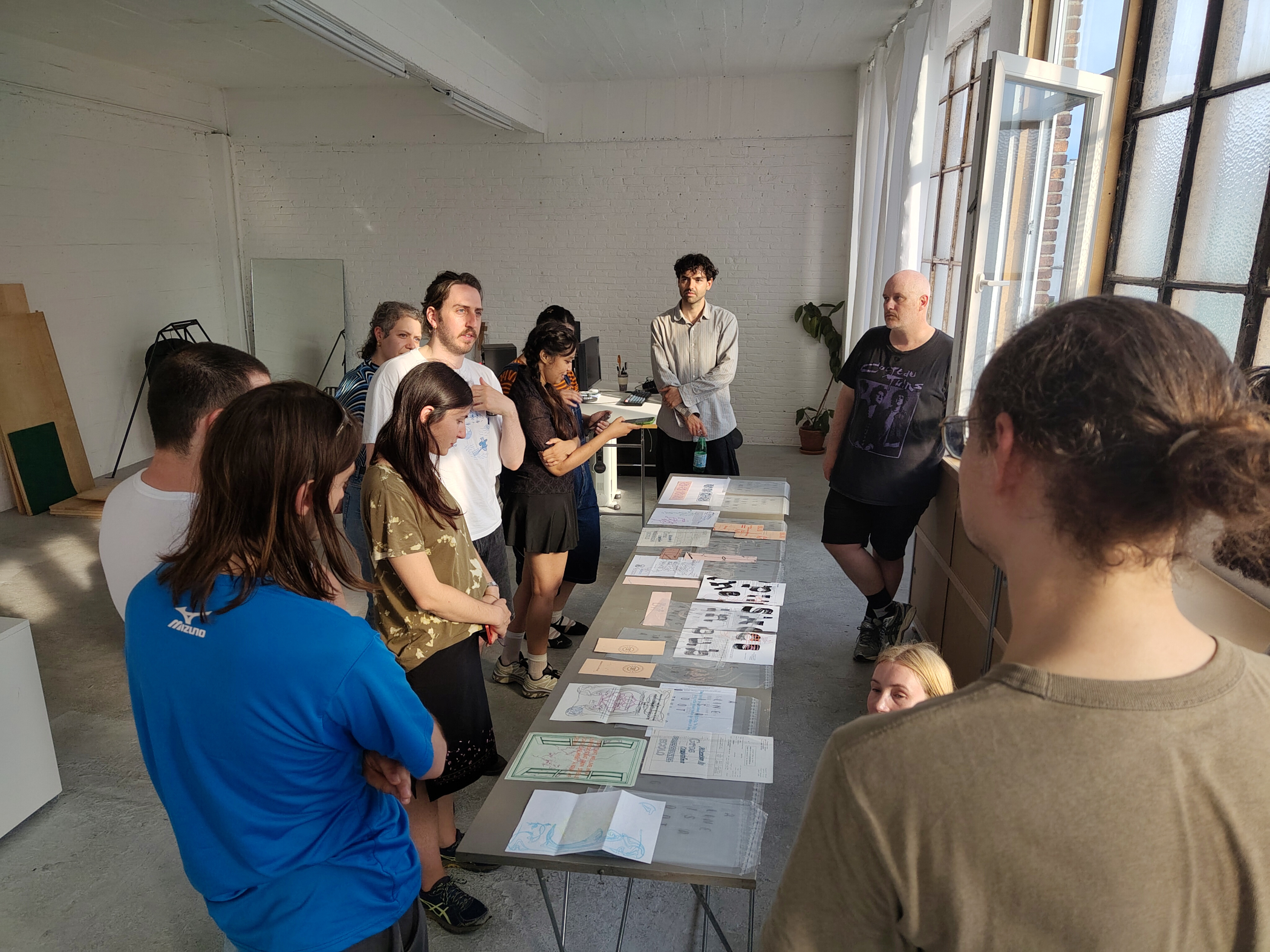
The drawings were arranged in several clear plastic envelopes, a rotating montage of the assortment of papers and drawings we made on them during the day.
We used three pen plotter machines, an AxiDraw and a Roland DXY-990 from Louis' collection, and a Roland DXY-1100 from OSP's own collection. We played with the limitations of each machine: the pens it could use and the sizes it could draw.
We also used vector drawing software such as the free and open-source Inkscape, and its extensions for plotting.
Agenda
13:00
- Introduction of OSP, Louis Garrido and OSPs plotter station
- Plotter demo: The Roland built-in demo showing different types of drawing (typefaces, architectural drawings, geometric shapes) & the AxiDraw that can draw with pens of different sizes
14:00
- Drawing!
- Looking at OpenClipart and Louis' library
- Showing guidelines on how to clean the shapes
- Installation of Inkscape
15:00
- Plotting!
18:00
- Sharing moment and feedbacks
- Gathering to present the drawings we made
Resources
- https://openclipart.org
- https://louisgarrido.com/library.html
- https://inkscape.org
- https://pypi.org/project/Chiplotle3/
Documentation
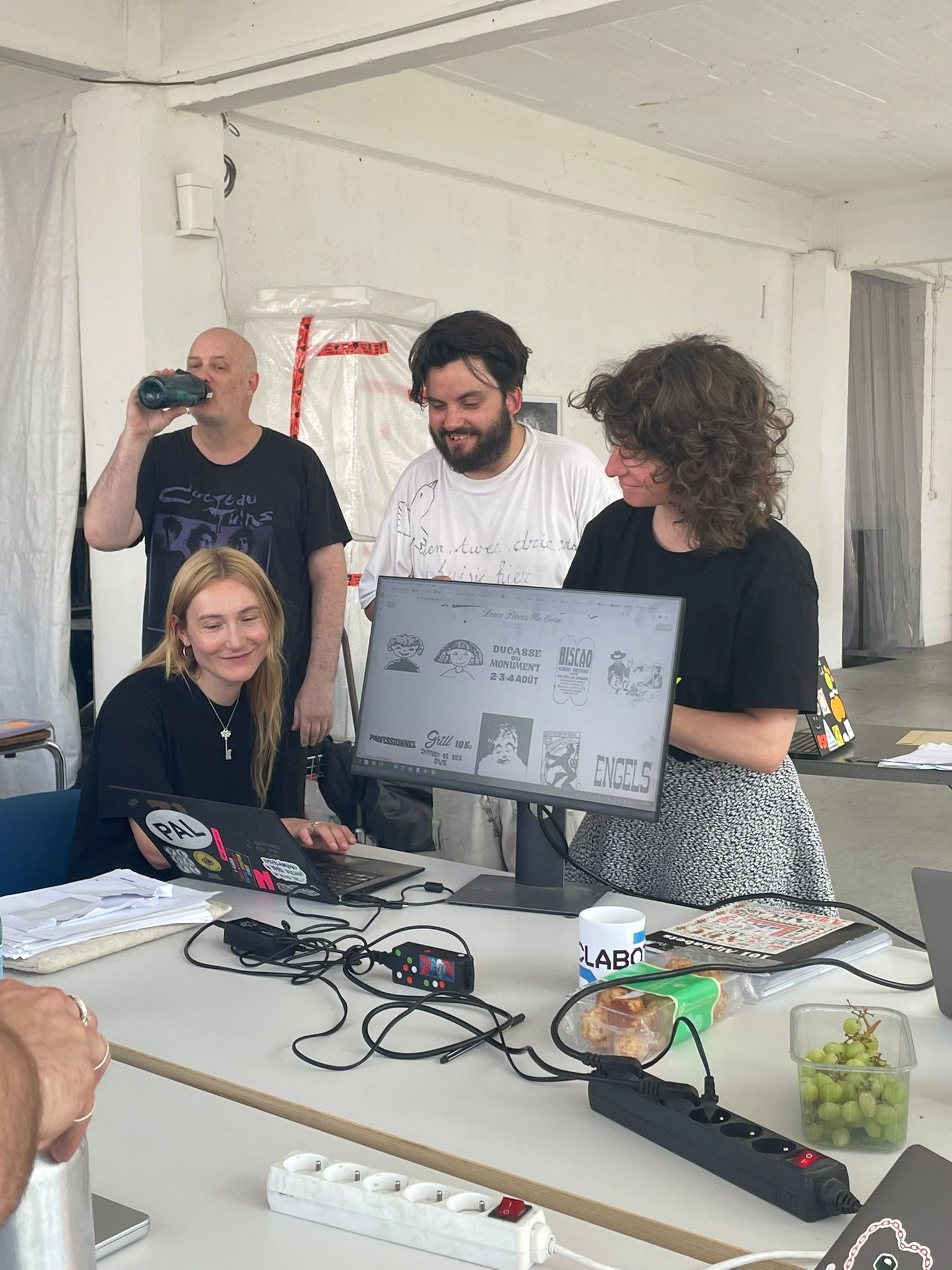
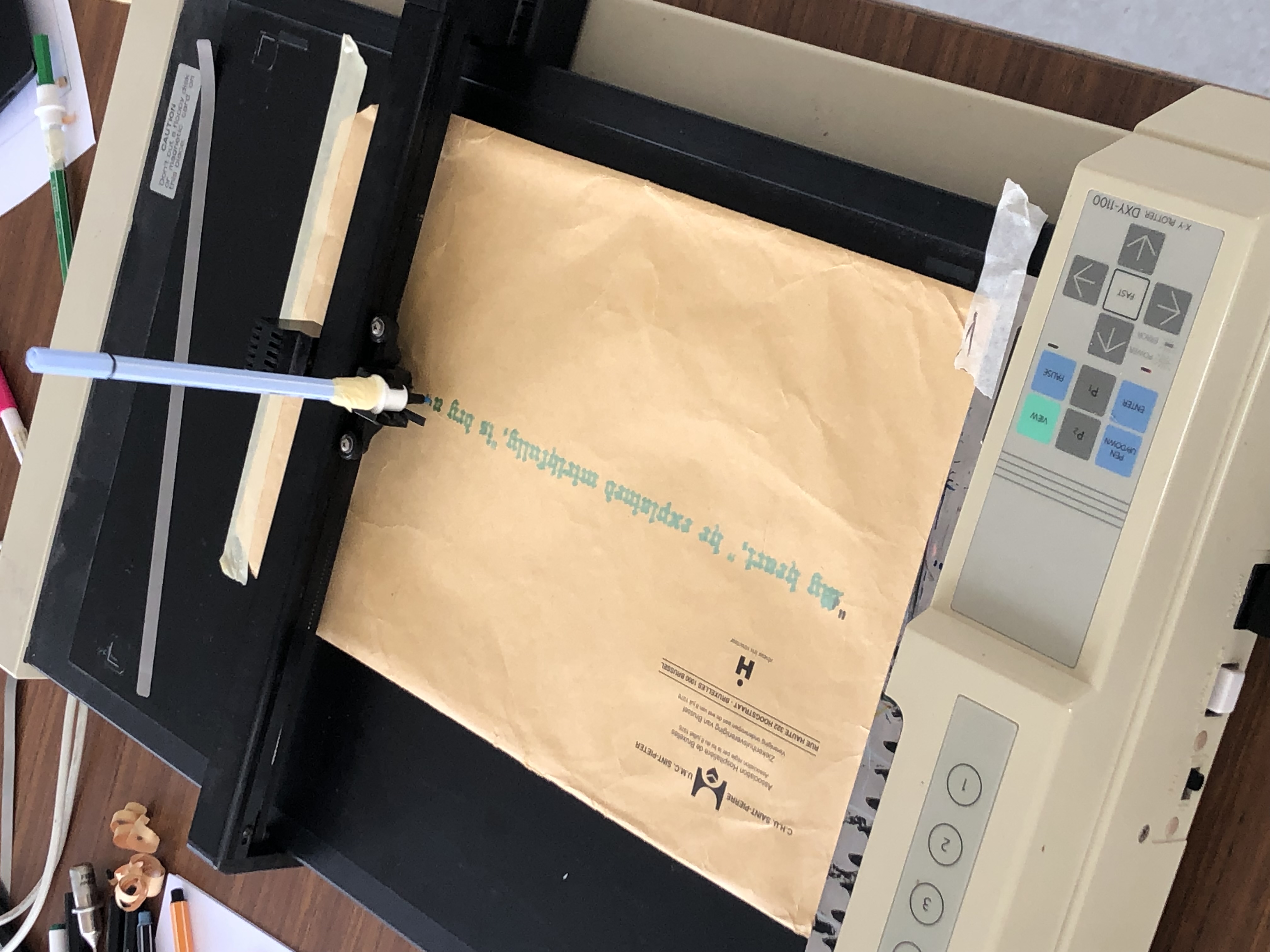
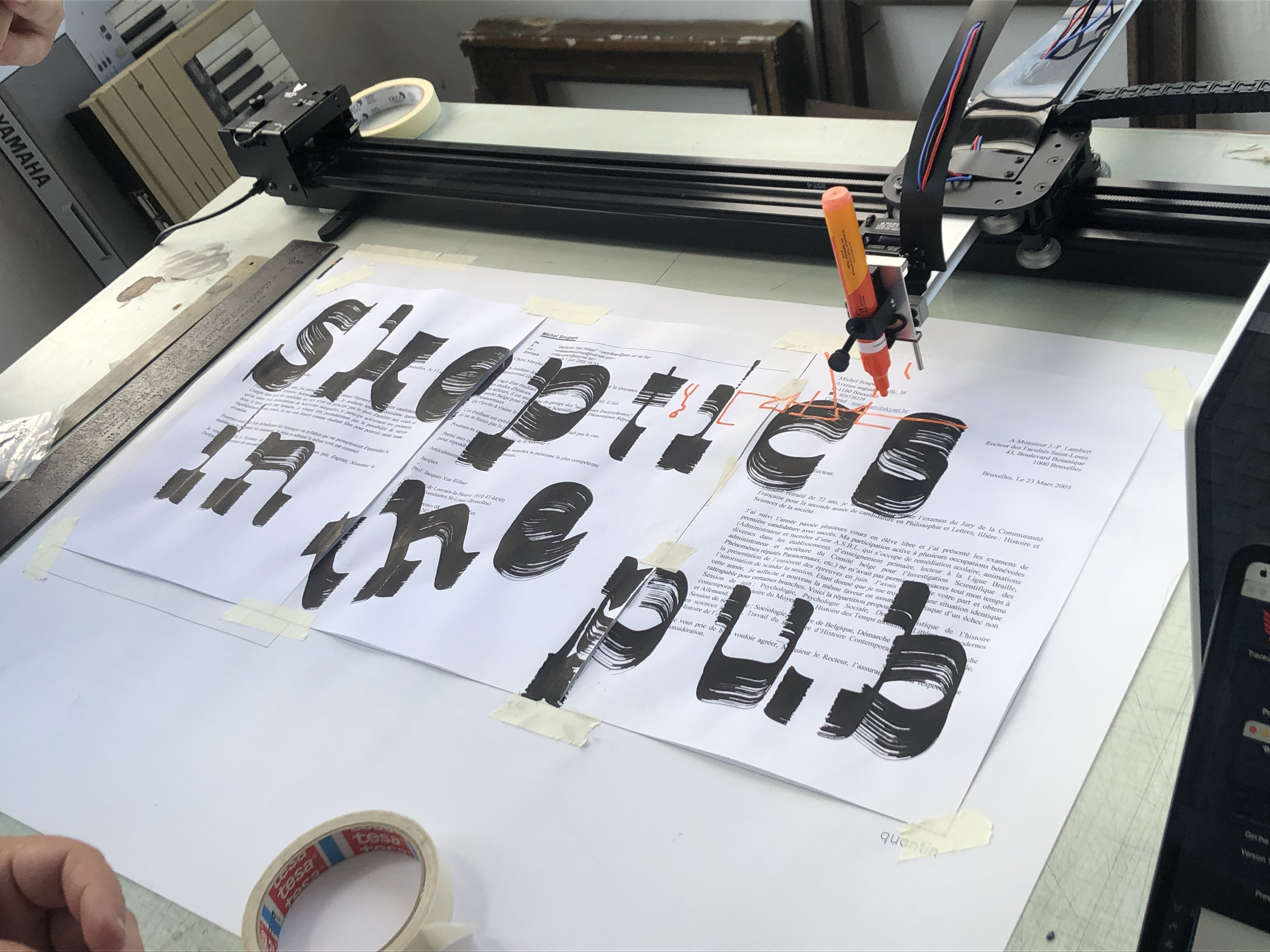
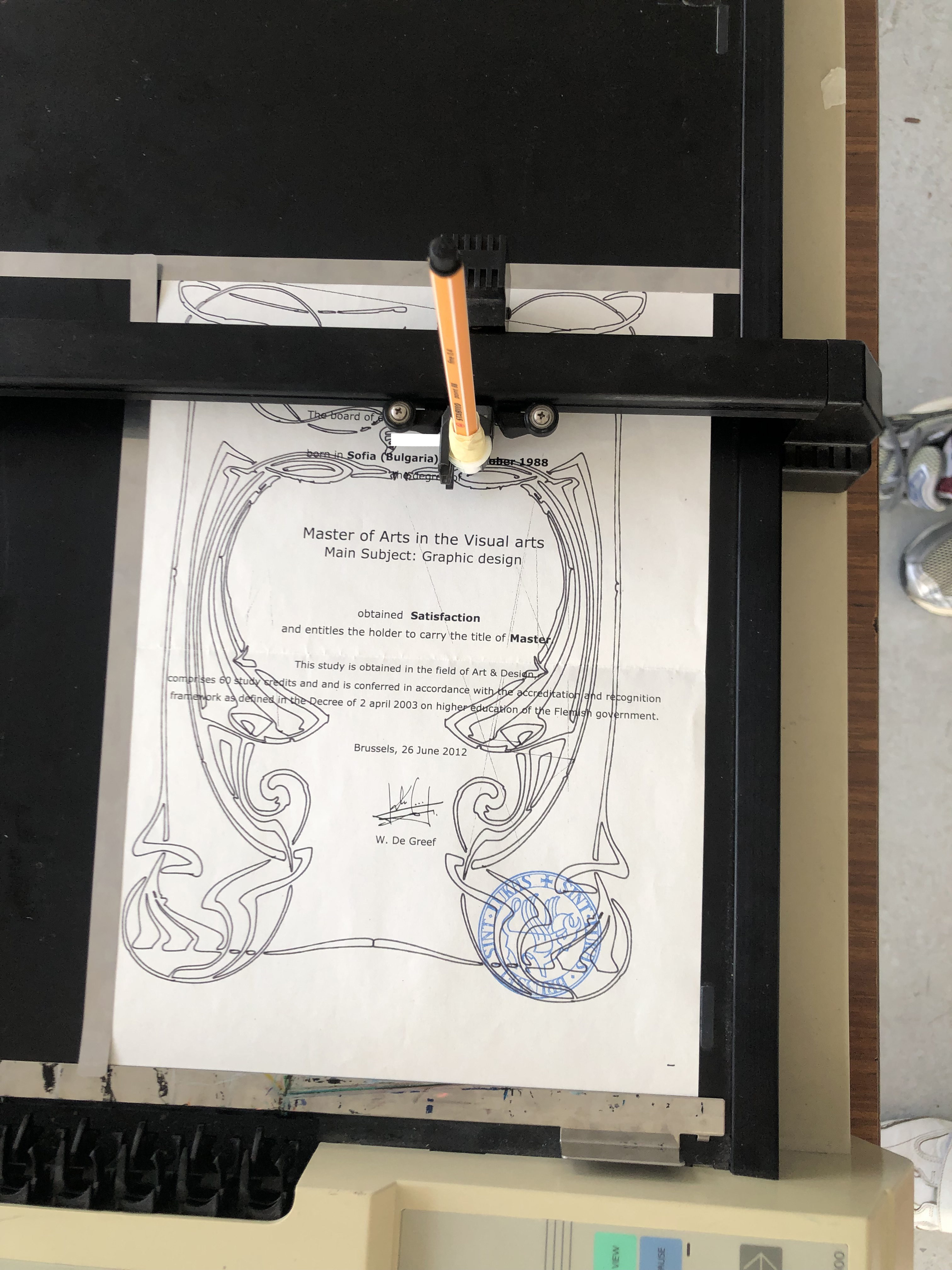
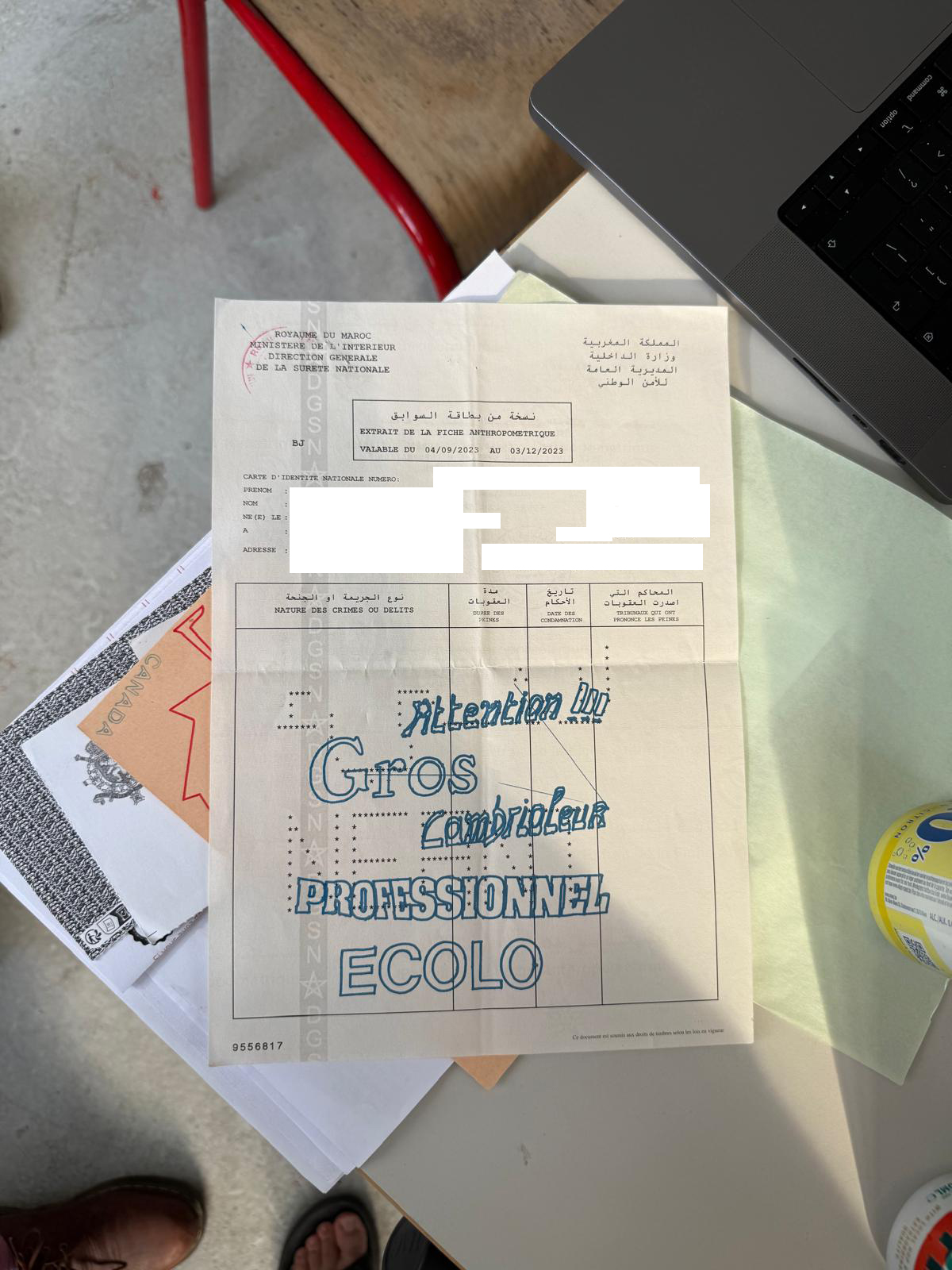
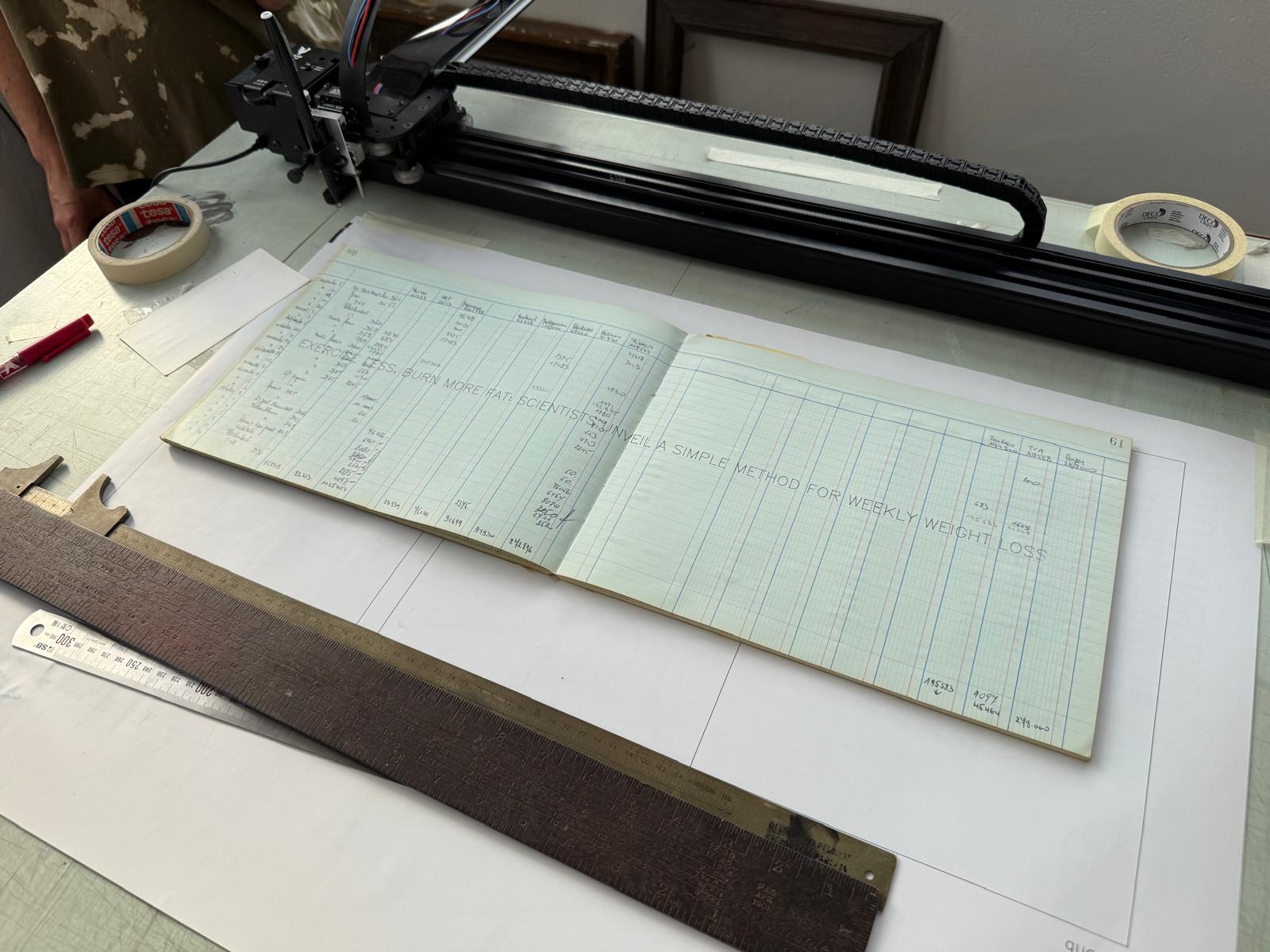
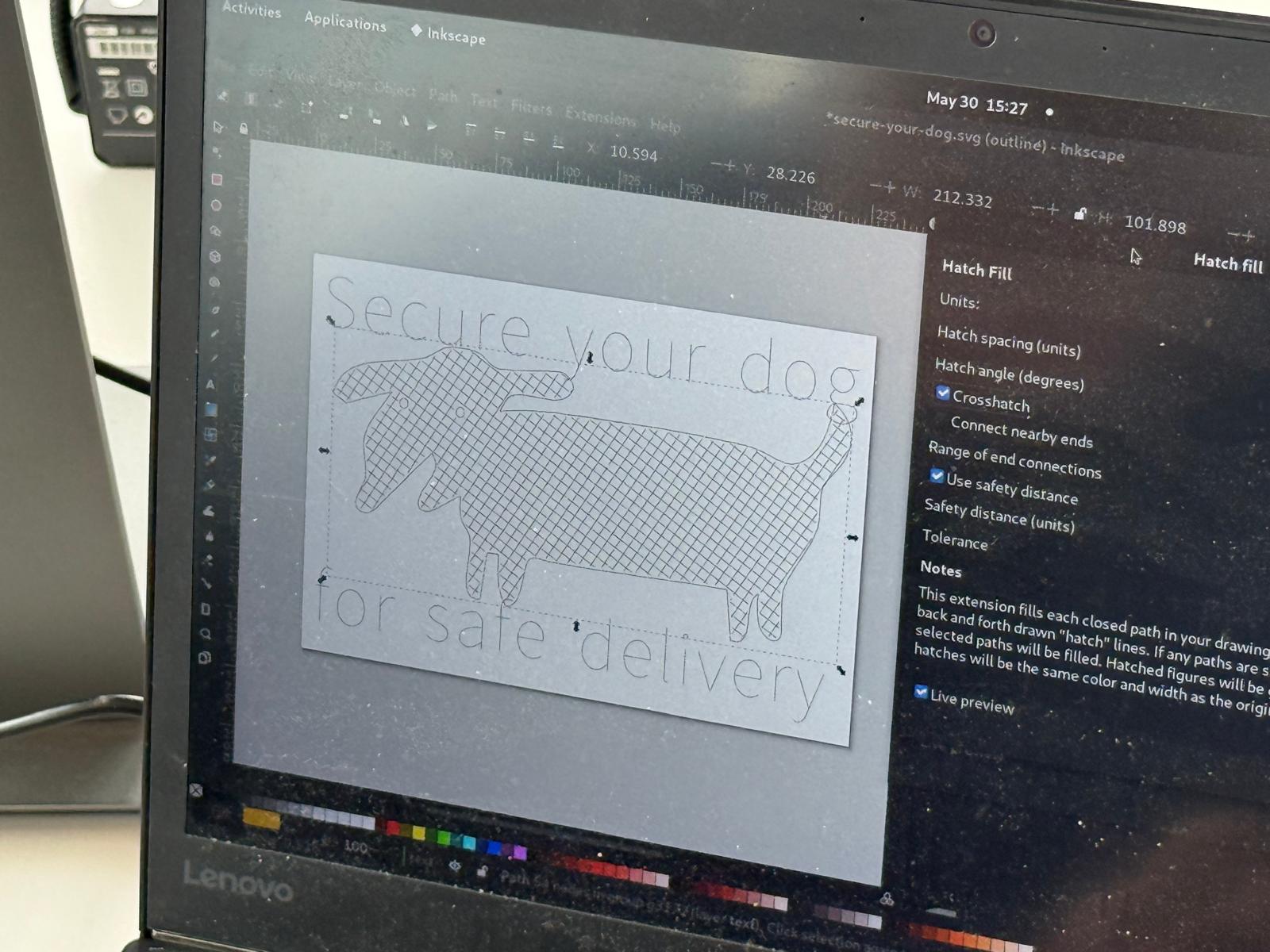
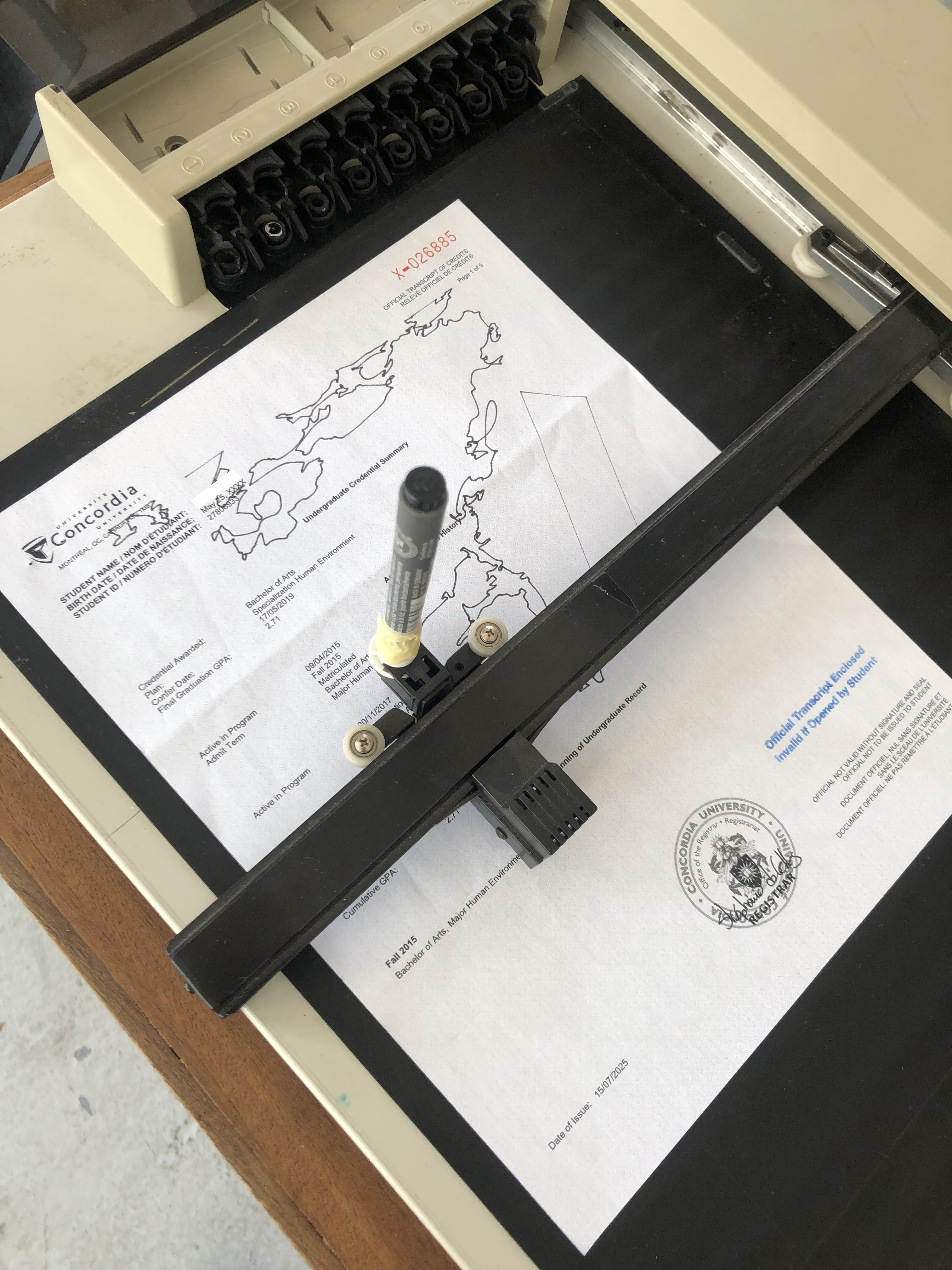
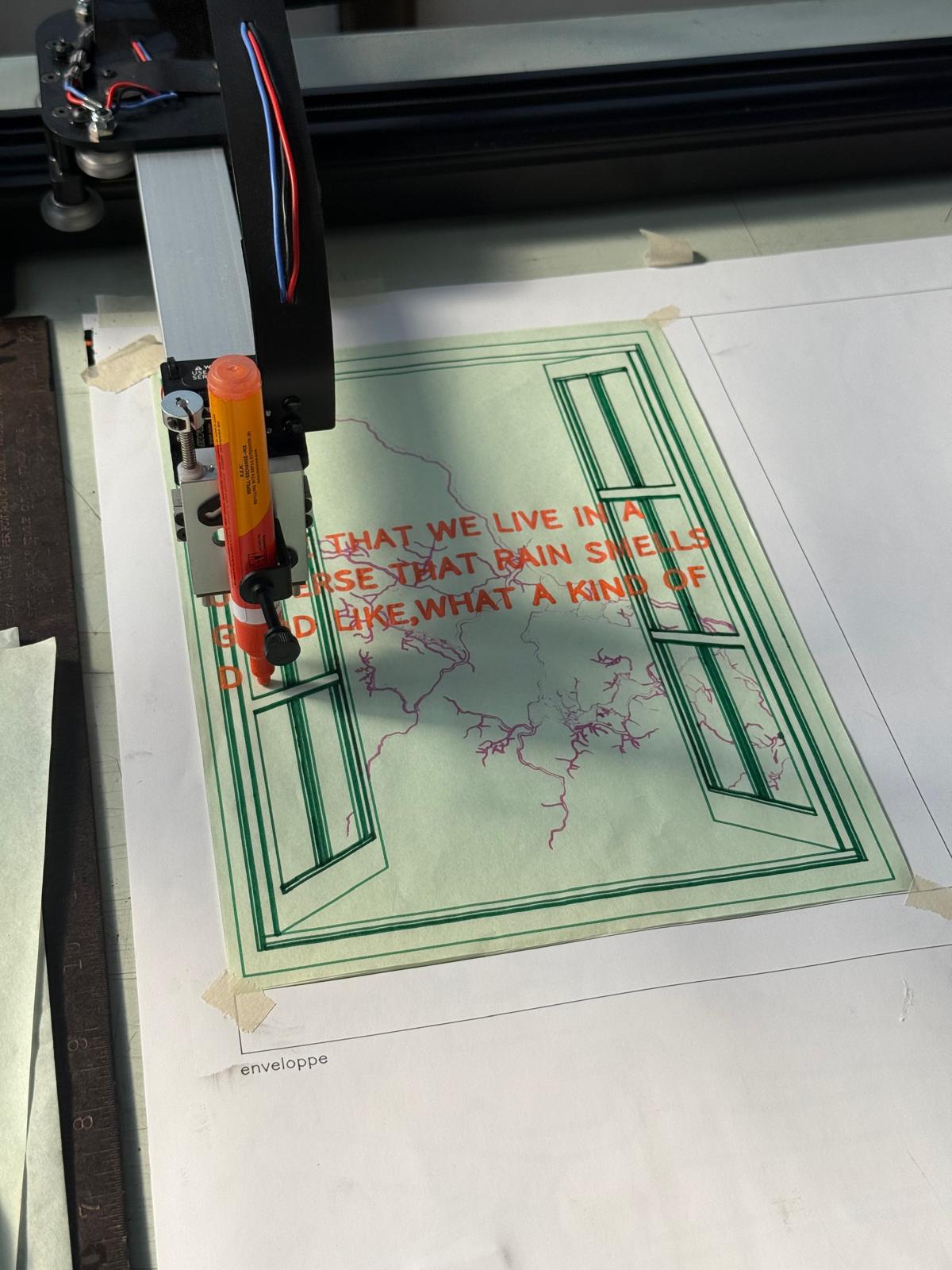
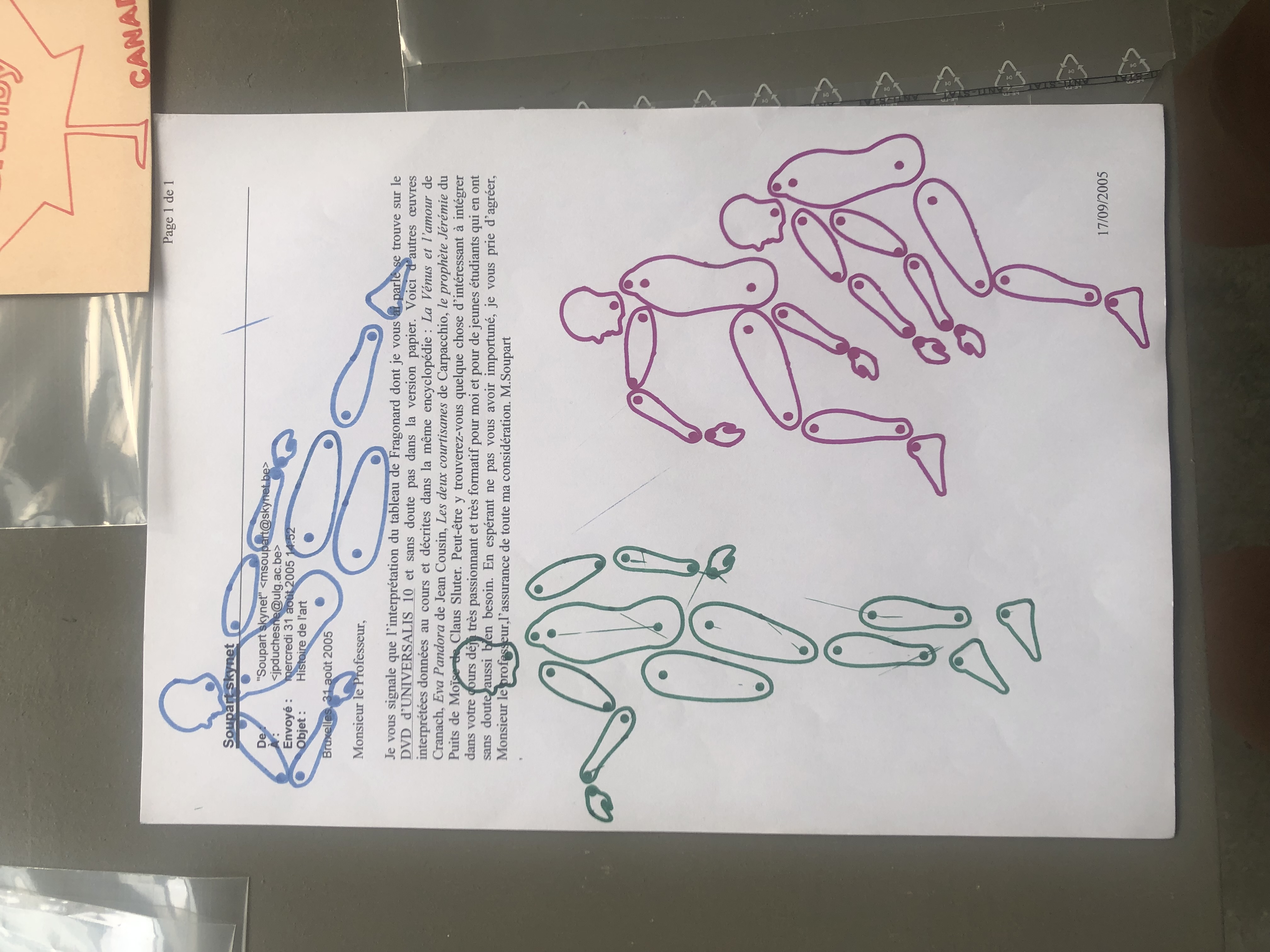
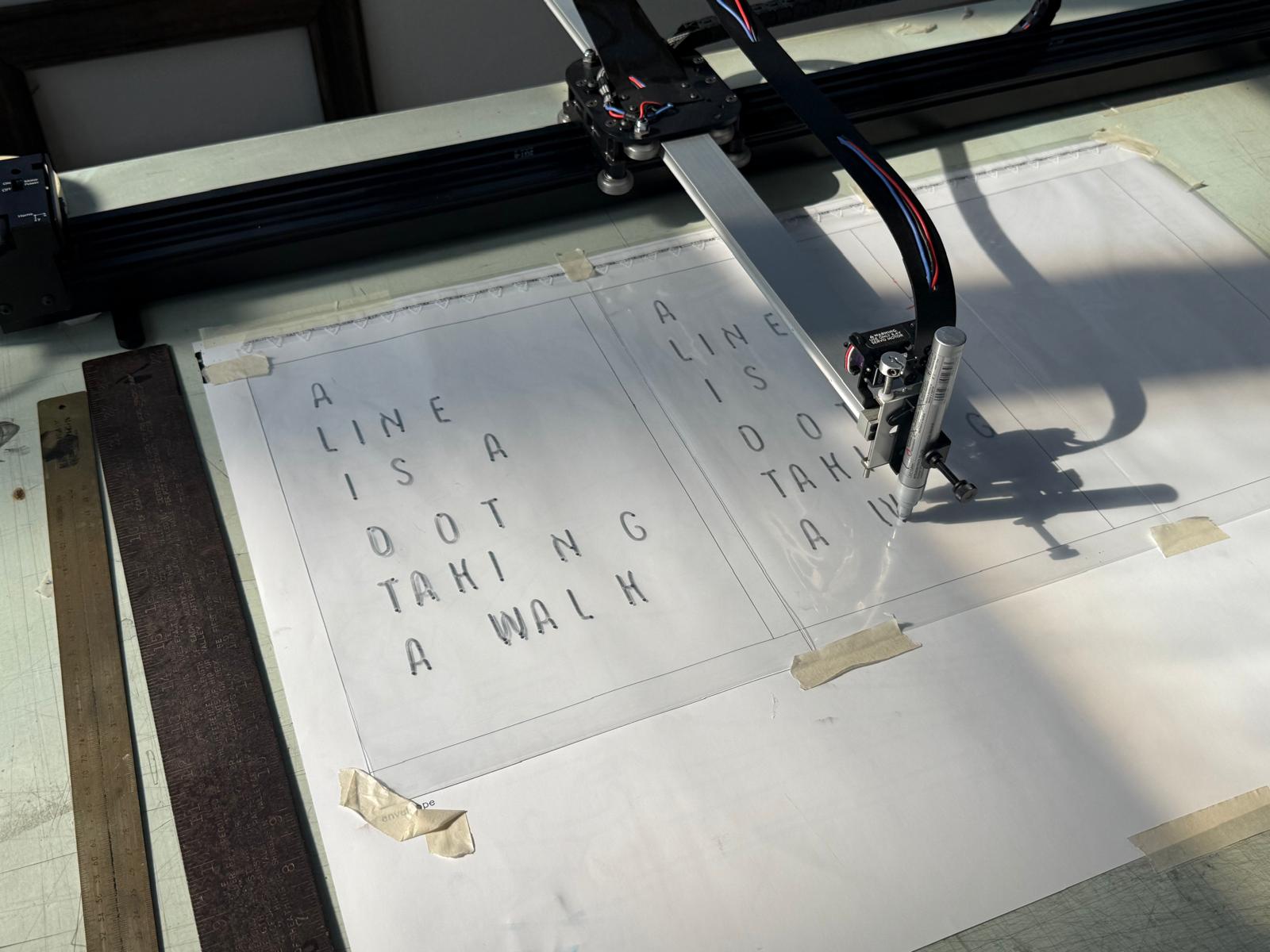
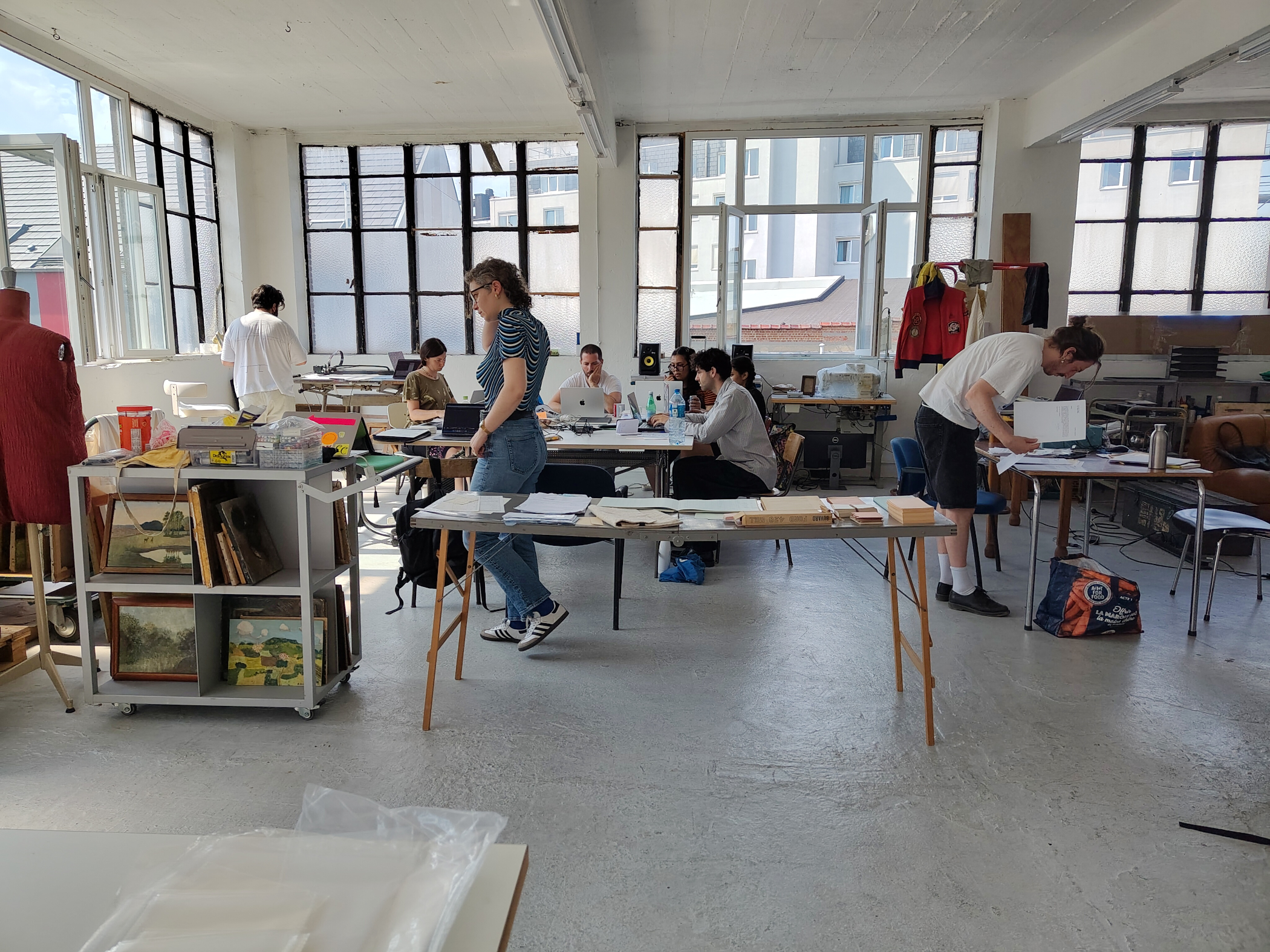
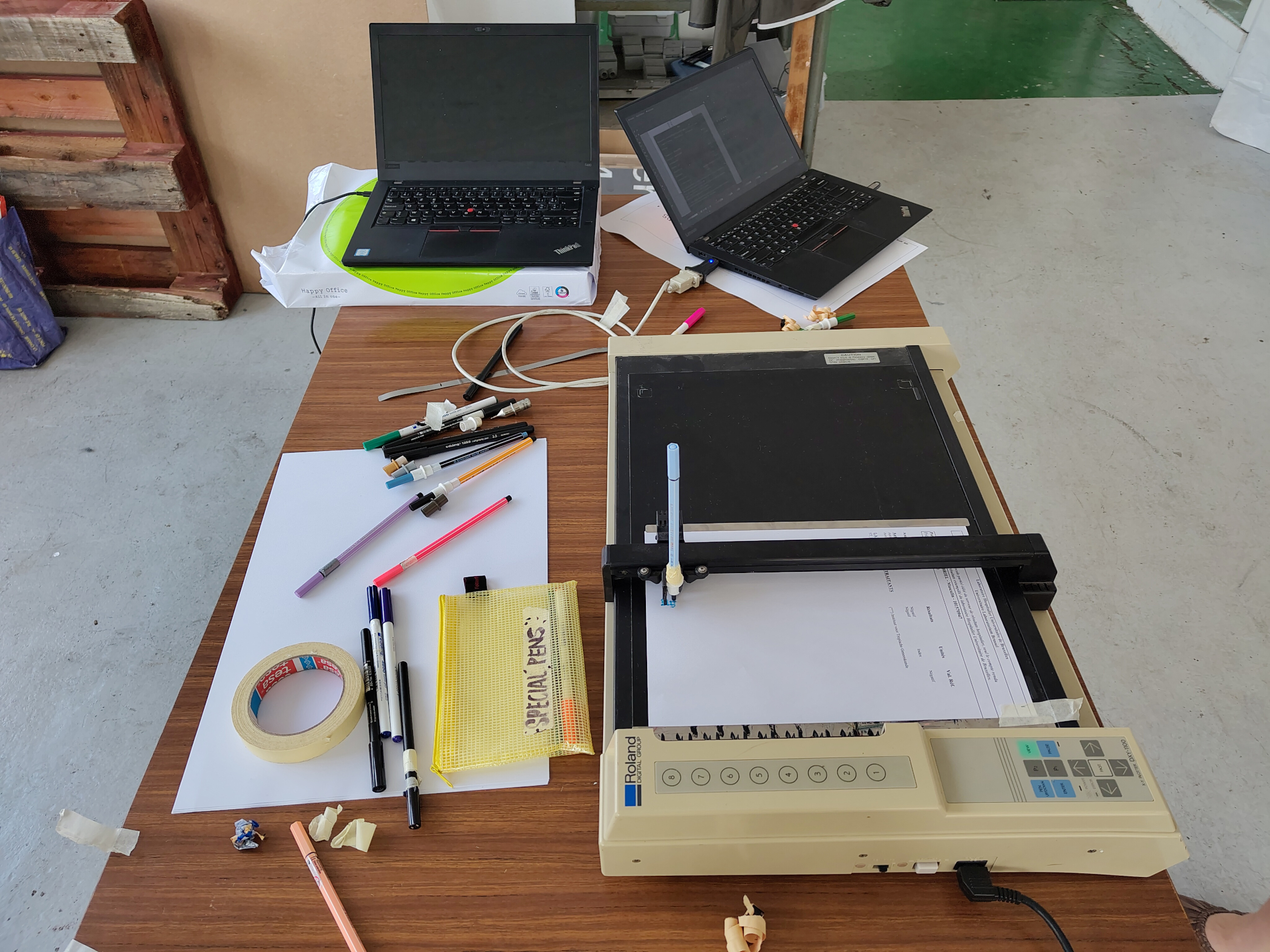
We used the software Inkscape to edit the vector drawings. After putting the drawing on either an USB stick or a folder on our cloud, we could send it to the plotter. Louis could send the drawing directly through Inkscape to his AxiDraw using the add-on Bantam tools extension. For one of the two Roland plotters, we used the terminal to send a command to plot with the python library Chiplotle. For the other, we used the built-in "export to plot" extension of Inkscape.
Inkscape extensions
Inkscape is free and open-source vector drawing software that is relatively simple to install on Mac, Linux and Windows. There are also many extensions that can be added to an Inkscape installation, which are useful for working with pen plotters, including "export to plot", and a Hershey text and SVG font (outline to single line) converter.
Funded by FWB